Documentation
InsightBase docs
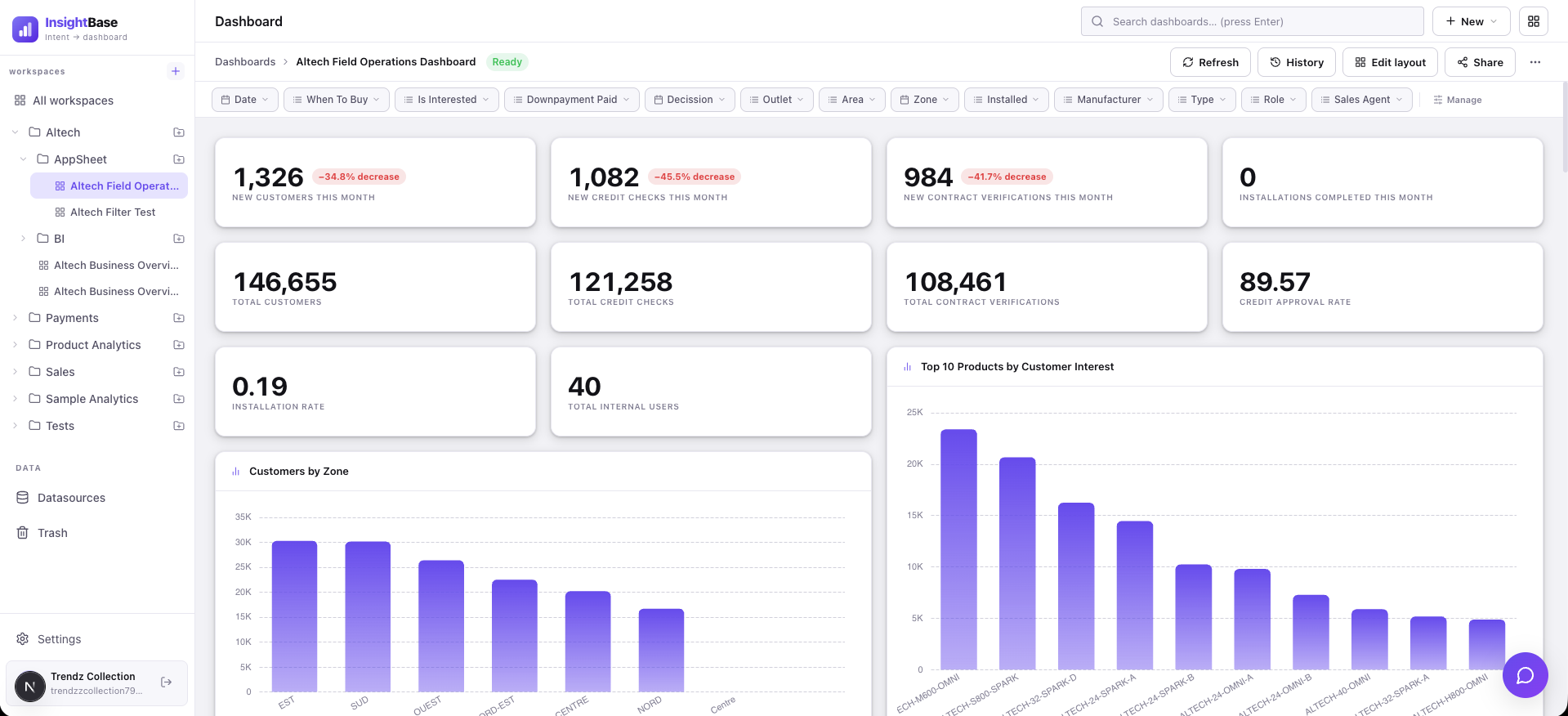
Connect a datasource, describe the dashboard you want in plain Markdown, and InsightBase generates the queries, filters, and layout — no SQL required. This is the reference for every part of the product.
New here? Start with the quickstart
The Quickstart walks through the whole path end to end: creating an account, connecting your first datasource, writing a manifest, and generating your first dashboard — in that order, in about five minutes.
EXPLAIN for SQL sources, a zero-row dry run for MongoDB) before it’s ever saved or run for real.Browse by topic
How the pieces fit together
At a high level: you connect a datasource, InsightBase introspects its schema and embeds table/column descriptions for semantic search. You write a manifest describing the panels you want; the agent pipeline looks up relevant schema context, generates a query per panel, validates it, and composes a dashboard with a layout and filters. From there you can fine-tune queries manually, add alerts, schedule reports, share the dashboard via an embed token, and organize it into a team workspace.